AAF Handoff for Windows
Export a Resolve audio AAF.
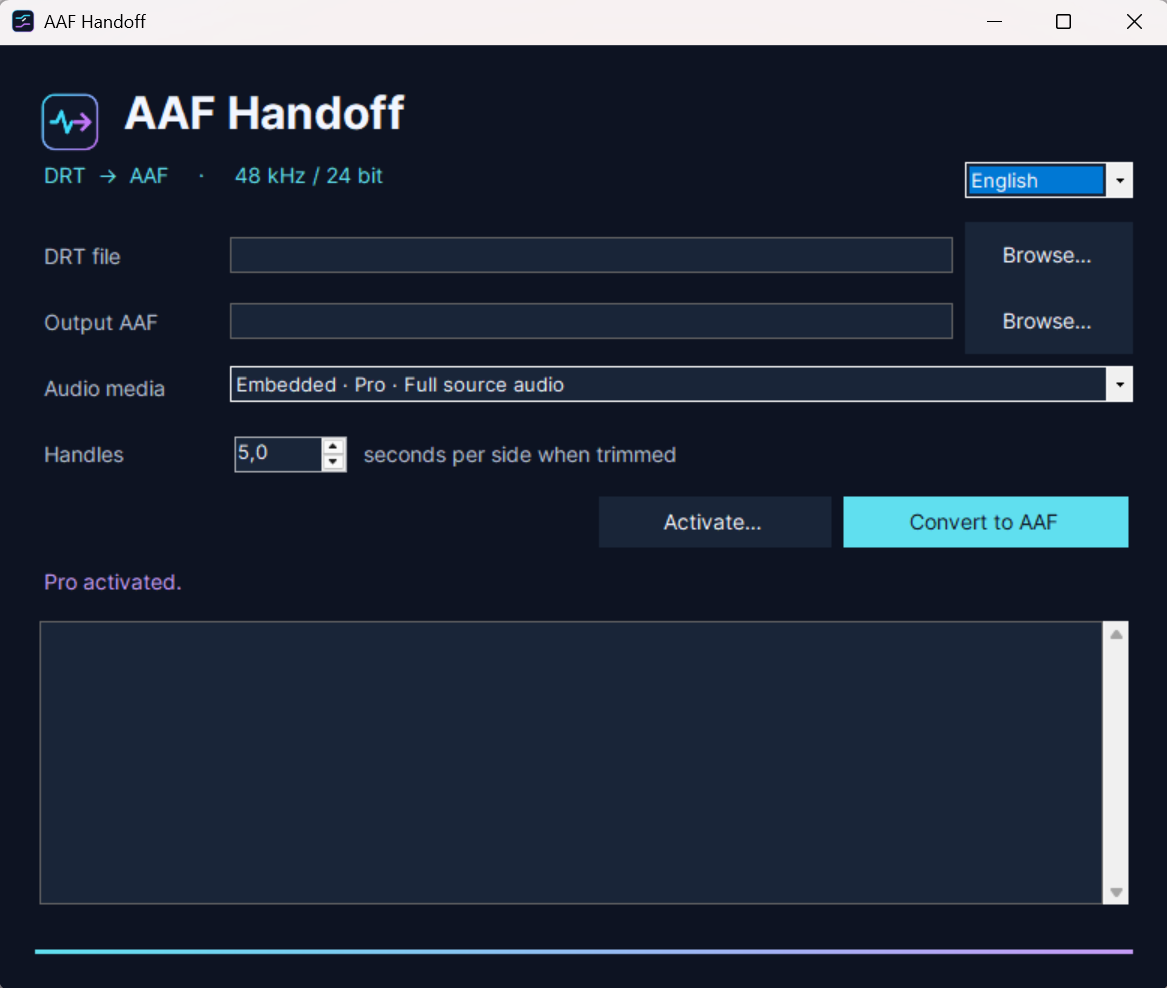
Convert a DaVinci Resolve timeline export into a single AAF with embedded audio, ready to hand off for audio post-production.
View the Pro licenseCompatibility · Windows 11 (x64). Uses a DRT timeline exported from DaVinci Resolve.
 Embedded audio export.AAF
Keep the edit intact.
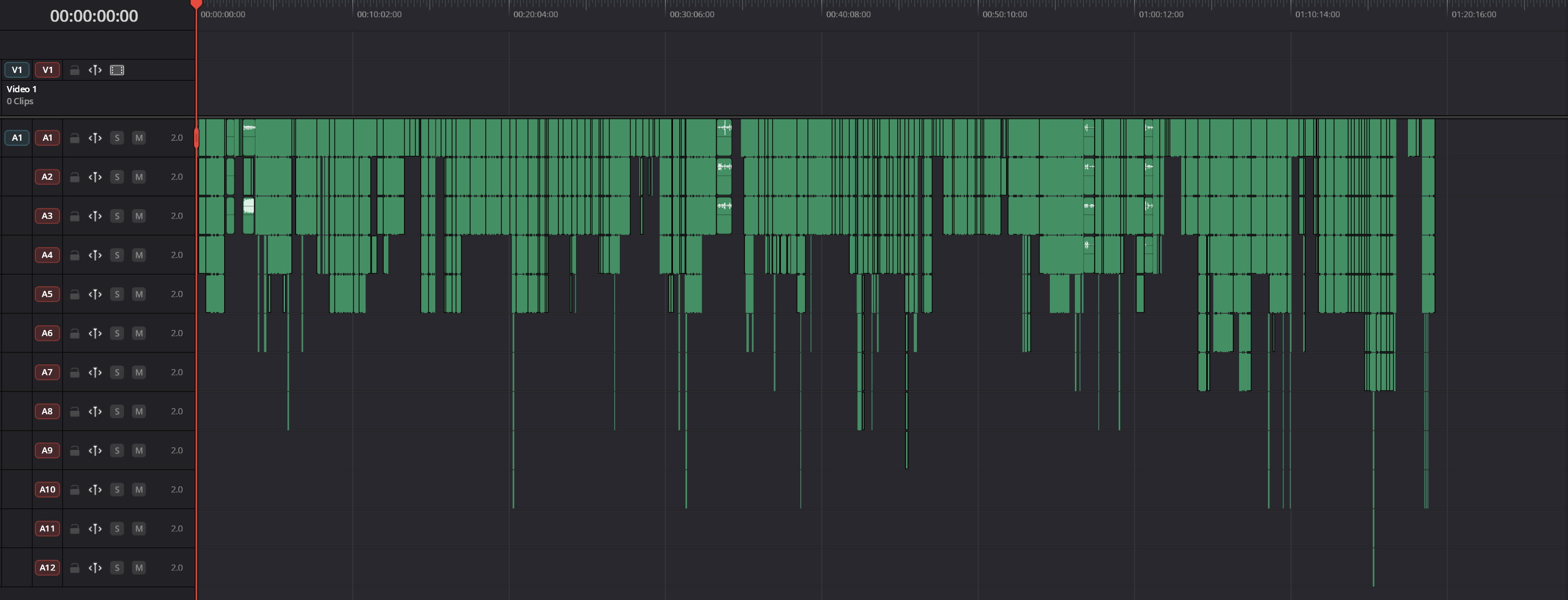
Use a DRT exported from DaVinci Resolve. The converter carries clip positions, source timecode, channel names, and gaps into the AAF. Choose the DRT layout option to retain the original track layout, or use the standard embedded layout for a mono-track handoff.
Deliver one file.
Pro embeds the audio in the AAF, so the handoff travels as a single file. The app runs on Windows and reads the exported timeline directly.
Quick Start
- Export the edited audio timeline from Resolve as a .drt file. Keep the source media accessible on Windows.
- Open the DRT in AAF Handoff and choose where to save the AAF. Use Full source audio to embed the complete recordings. Use Trimmed audio for a smaller file and set the handles in seconds per side. The default is five seconds, limited by the available source.
- Click Convert to AAF. In Pro Tools, use File → Import → Session Data and select the AAF. Check the imported tracks and their placement against the Resolve timeline.
Pro license
After payment, your activation code is sent to the email address you enter at checkout. Enter the code in the Windows app to unlock Pro.
The Windows installer is unsigned. Windows may warn about an unknown publisher or block installation on some devices.
Version 1.x license
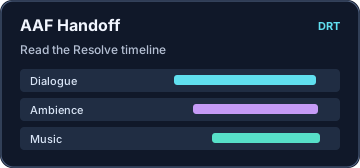
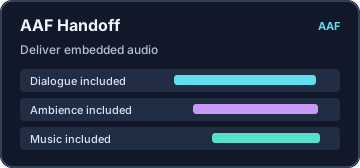
Workflow illustrations
Screenshots
Project and media names shown are examples.